
01
Pick a Topic
Choose printer, router, email, PC performance, or Windows update learning.
Explore simple educational guides covering printers, routers and Wi-Fi, email sync, PC performance, drivers and Windows update concepts.
Each category is designed for calm reading, simple explanations and general educational understanding.
Use a device message, connection issue, error code or common system behaviour to quickly narrow down the guide that best matches what you are trying to understand.
 01
01
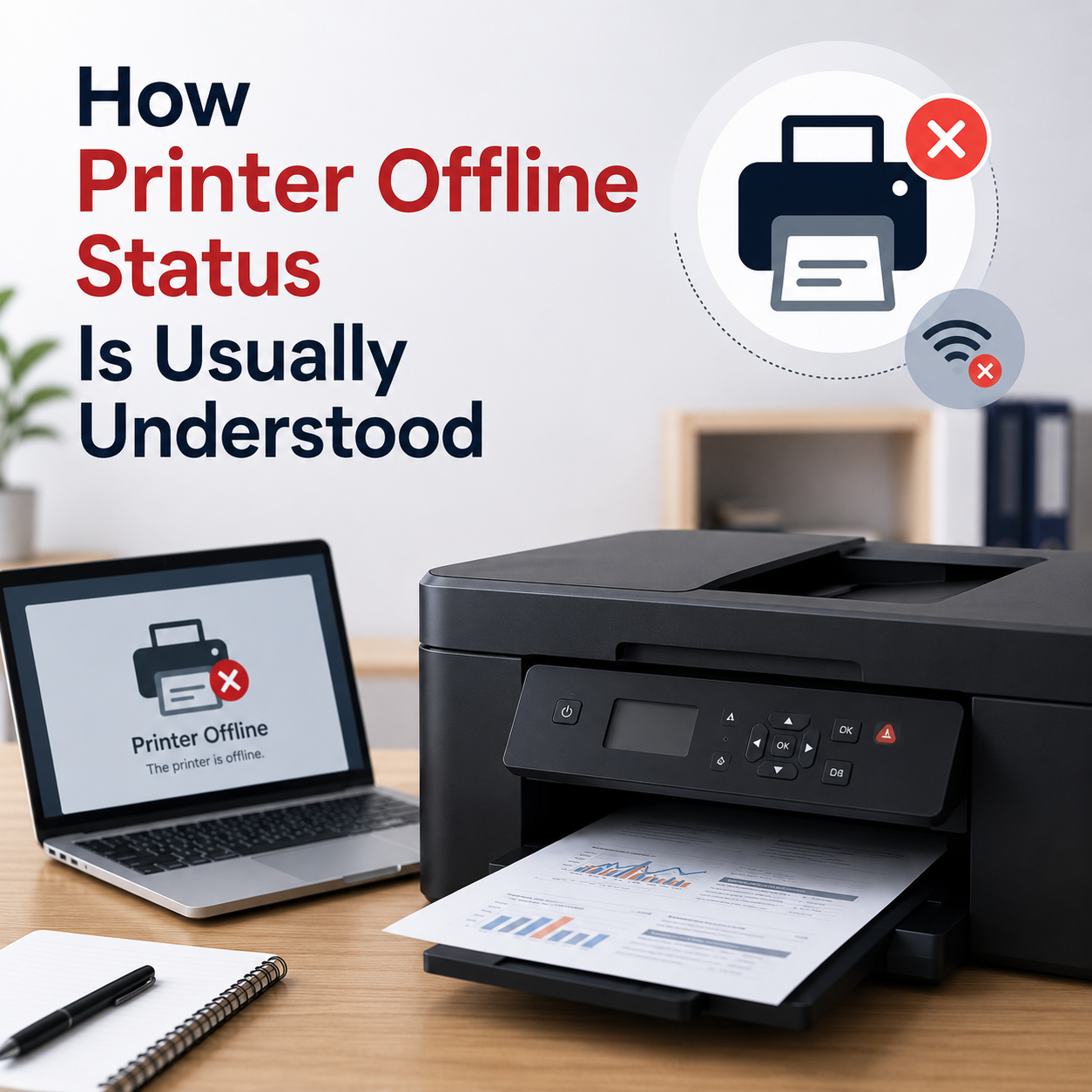
Your printer is powered on and connected to the cable or Wi-Fi, but the computer shows it as offline or unreachable.
 02
02
Documents are stuck in the print queue status bar, preventing any new print jobs from processing.
 03
03
Laptop sends print commands but the printer does not respond, despite being connected to the same network.
 04
04
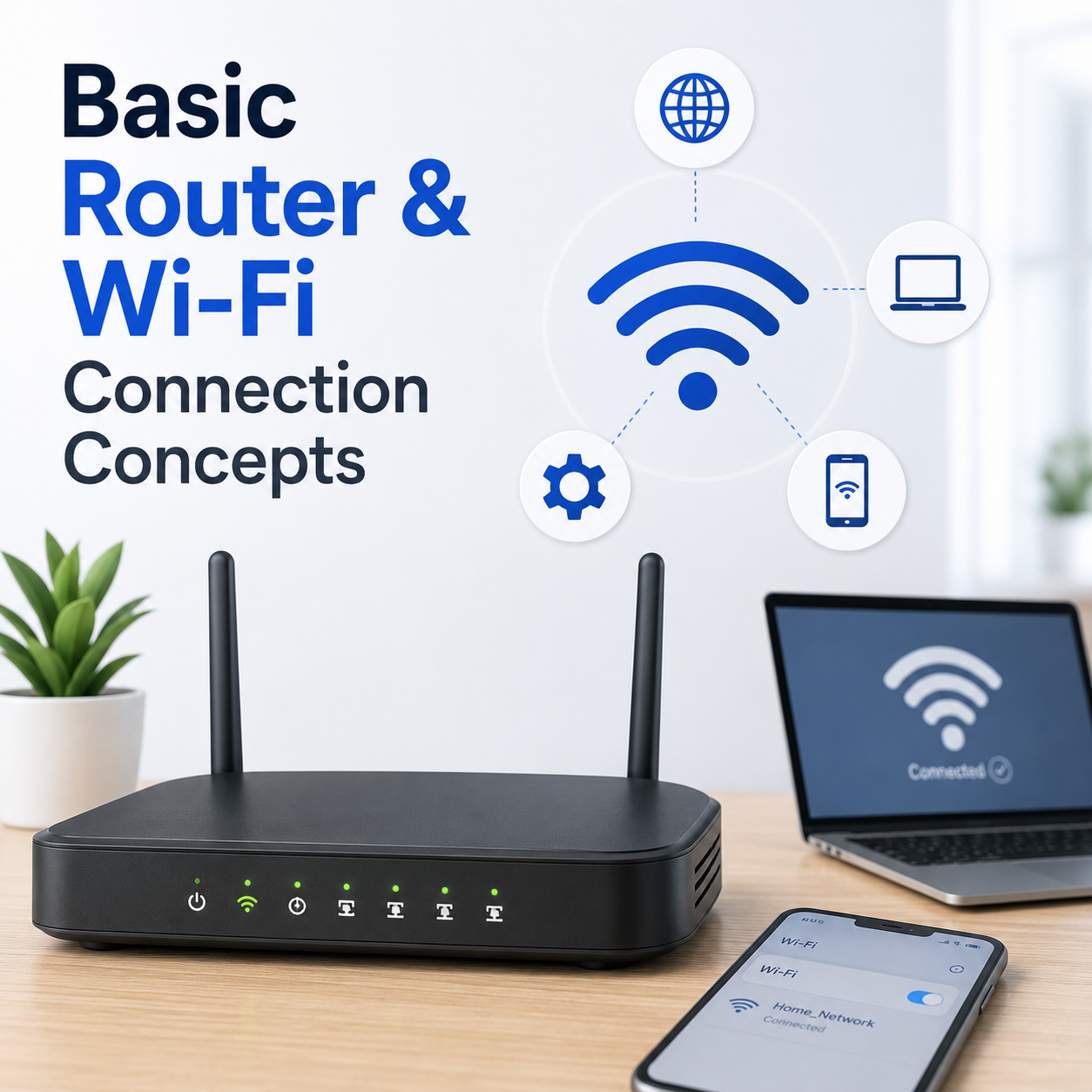
Your laptop or phone connects successfully to the Wi-Fi signal, but web pages fail to load or show DNS errors.
 05
05
Unable to access the default login panel of your router in a browser to manage network settings.
 06
06
Signal strength fluctuates heavily or drops entirely in specific zones of your house or office.
 07
07
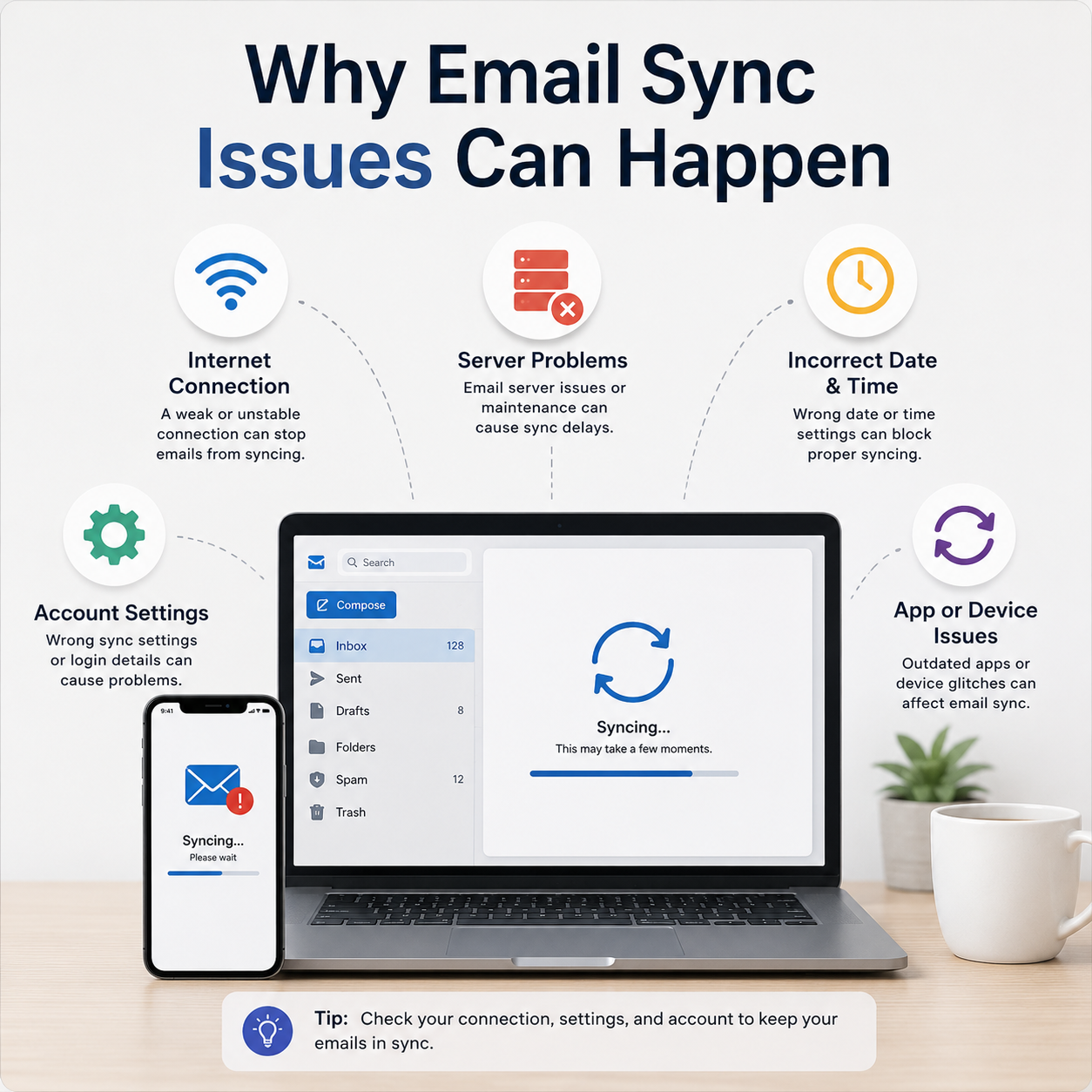
Mail folders fail to synchronize, incoming emails are delayed, or credentials prompt repeatedly.
 08
08
Outgoing emails are not delivered and stay in your local outbox folder with error messages.
 09
09
Email client rejects your incoming or outgoing mail server password or shows SSL/TLS security issues.
 10
10
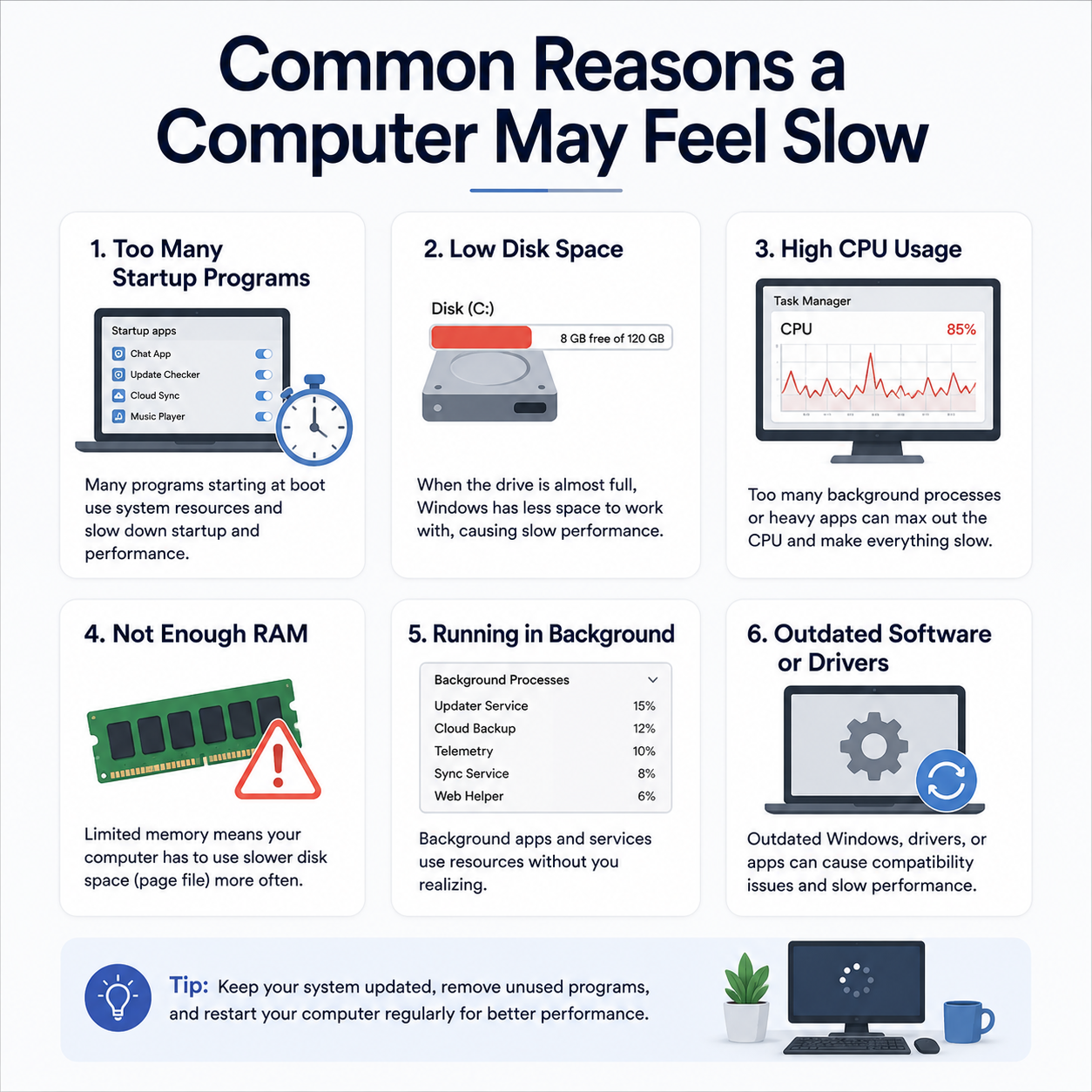
Windows loads very slowly, and the desktop icons or taskbar remain frozen for several minutes after login.
 11
11
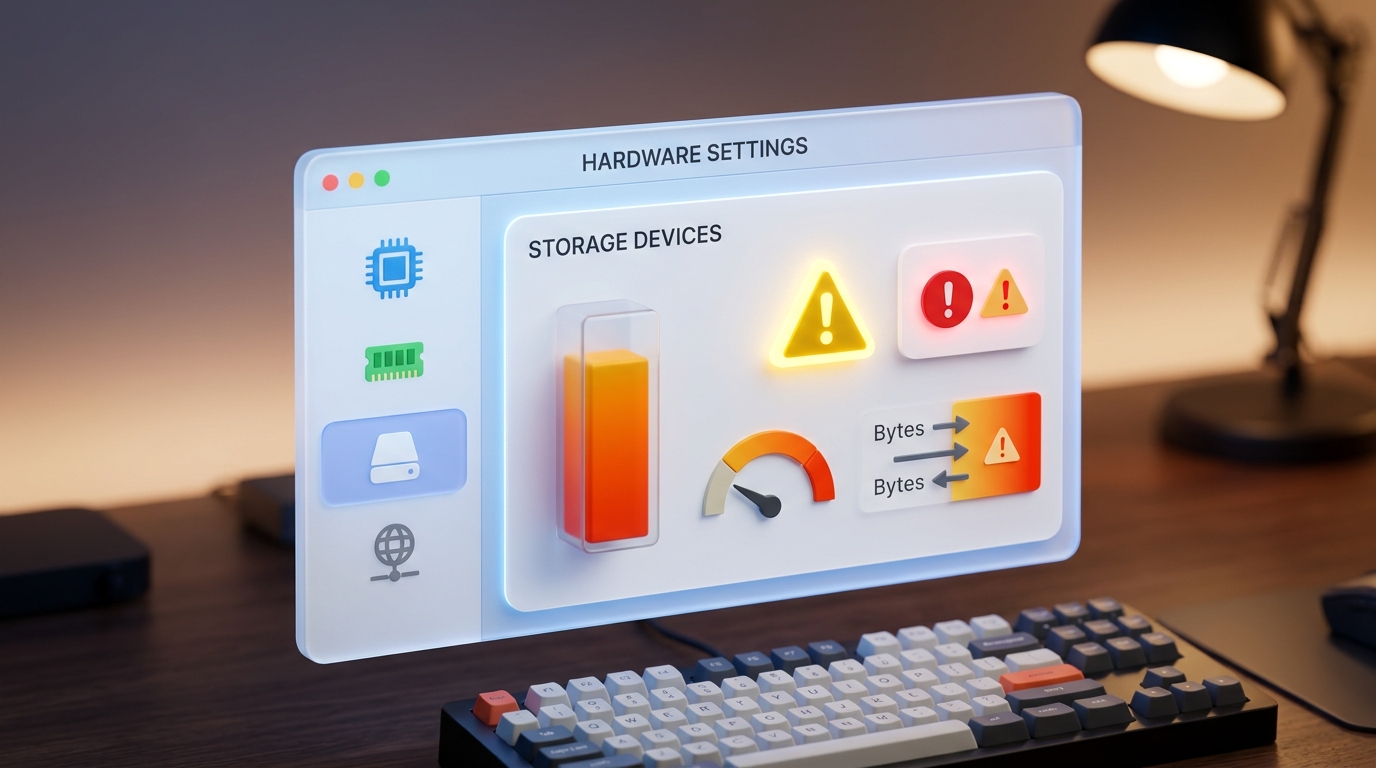
Task Manager reveals 100% CPU or active disk time, causing mouse jitters and laggy application performance.
 12
12
Windows warns of low disk capacity on the C: drive, which prevents temporary cache file creation.
 13
13
The progress screen halts for hours, or displays "Undoing changes" after restarting.
 14
14
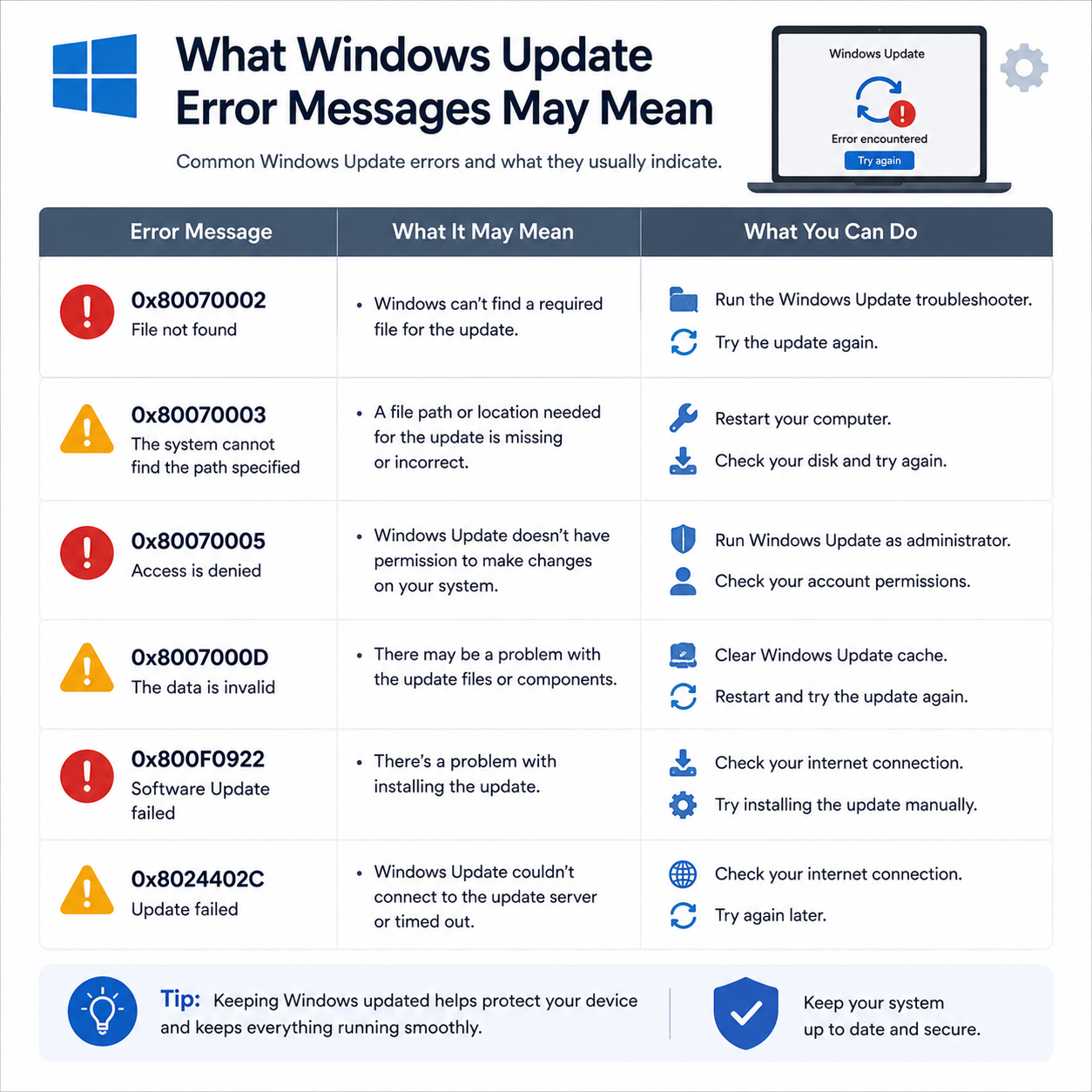
Update history shows a list of failed installations with numeric error codes instead of success.
 15
15
An automatic system update updates a driver that causes system crashes, loop restarts, or hardware failures.
Try a shorter keyword or choose another topic category.
Use each guide to understand common messages, settings, terms and device behaviour step by step.
Choose printer, router, email, PC performance, or Windows update learning.
Understand common terms, status messages, settings, and device behavior.
Match the explanation with common screens, messages, and system prompts.
Understand options and terms to build your knowledge base.
Guide Mint does not distribute drivers, offer remote-access sessions, provide phone support or perform repairs.
Read Our Blog