
No. Guide Mint is an independent educational library. We write self-guided learning resources and general device guides. We do not offer phone callbacks, remote logins, software downloads, or technician dispatch.
Browse clear educational guides covering printer setup, Wi-Fi connections, email configuration and computer performance. Each topic is organized to help you understand what is happening and what to check next.
Understand printer connections, offline status messages, print queues, wireless setup, and everyday printing behavior.

Learn how routers, Wi-Fi signals, passwords, gateway pages, and internet connections work together.

Explore email login, synchronization, authentication, server settings, and common sending or receiving issues.

Learn about slow startup, background applications, storage usage, Windows updates, and everyday device behavior.

Browse focused guides for printer setup, Wi-Fi connections, email configuration, computer performance and Windows updates.
Choose a category and continue with clear, educational explanations for everyday technology.
Our guide library helps you understand common printer, Wi-Fi, email and computer messages through structured explanations, practical checks and easy learning points.
Each guide is written to explain what a common device message or behaviour usually means. You can learn how connections, settings, software services, account configuration and system activity work together before moving to the next step.
Use a device message, connection issue, error code or common system behaviour to quickly narrow down the guide that best matches what you are trying to understand.
 01
01
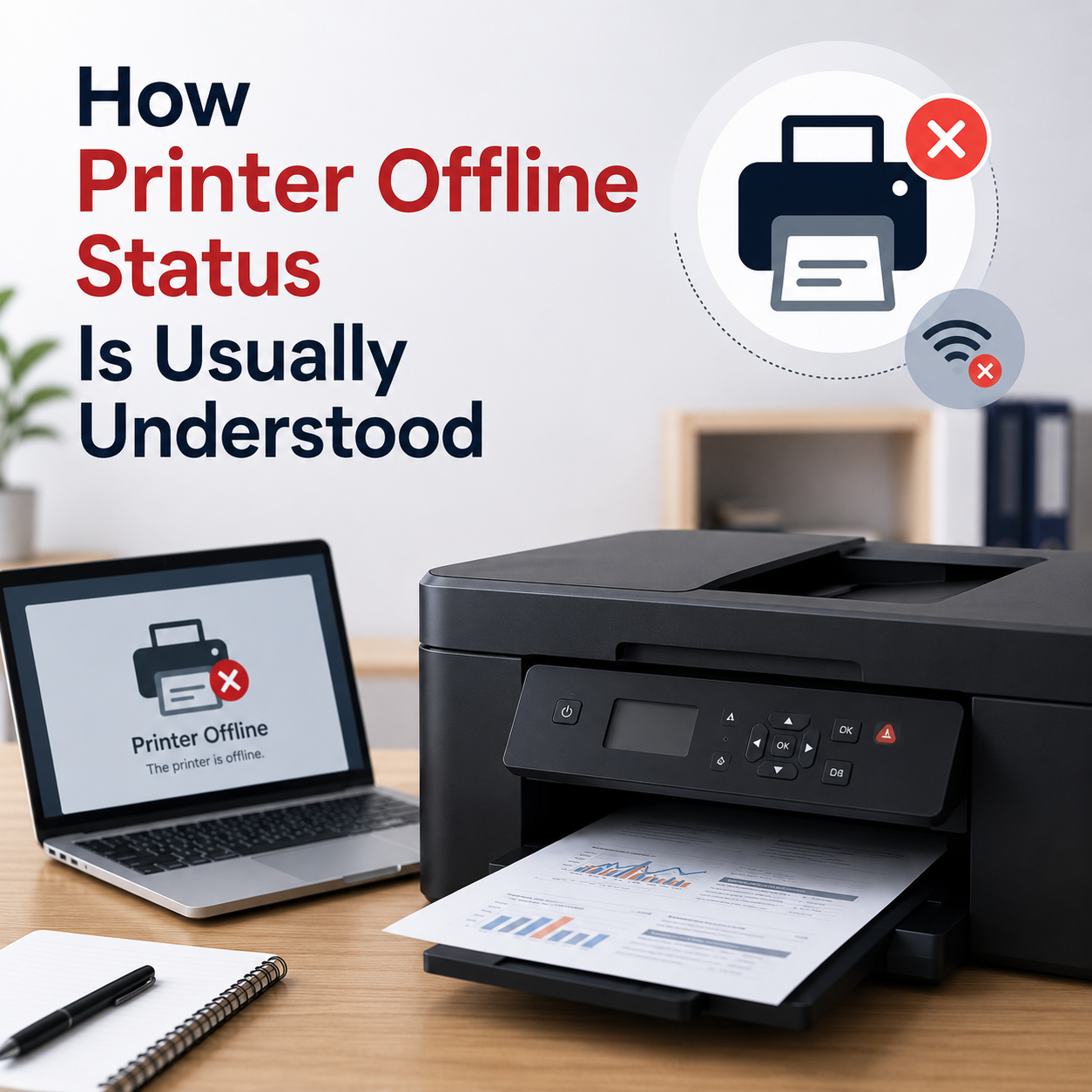
Your printer is powered on and connected to the cable or Wi-Fi, but the computer shows it as offline or unreachable.
 02
02
Documents are stuck in the print queue status bar, preventing any new print jobs from processing.
 03
03
Laptop sends print commands but the printer does not respond, despite being connected to the same network.
 04
04
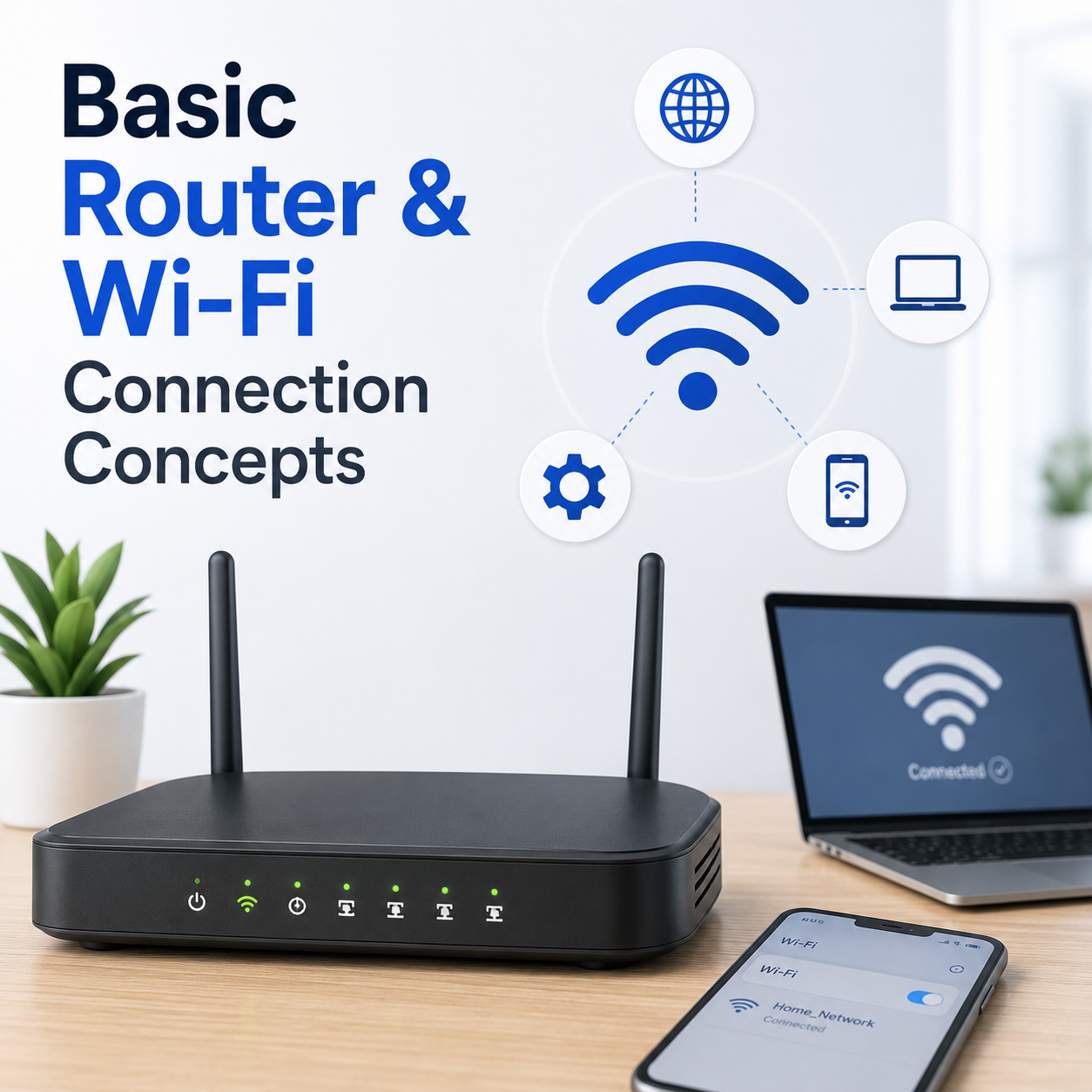
Your laptop or phone connects successfully to the Wi-Fi signal, but web pages fail to load or show DNS errors.
 05
05
Unable to access the default login panel of your router in a browser to manage network settings.
 06
06
Signal strength fluctuates heavily or drops entirely in specific zones of your house or office.
 07
07
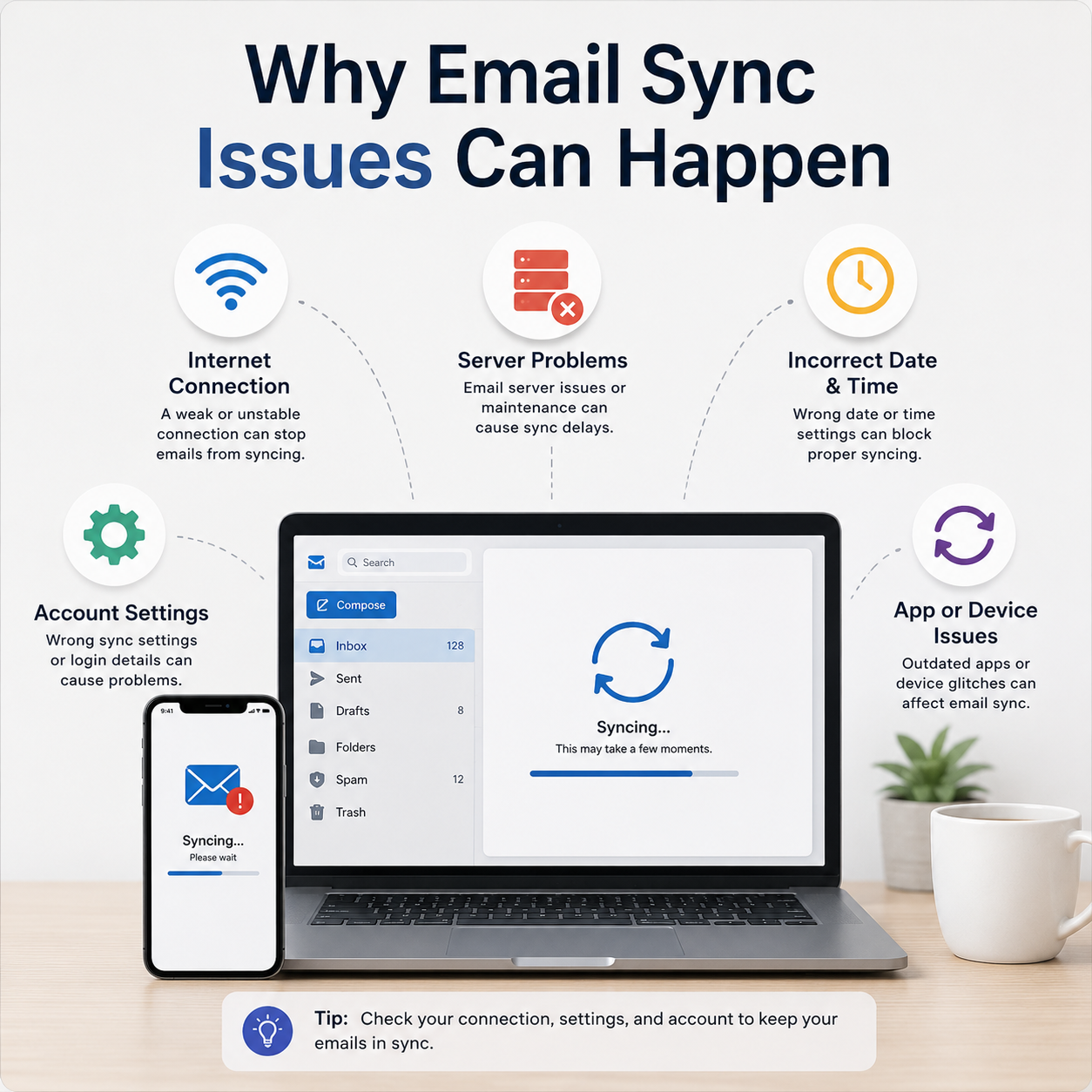
Mail folders fail to synchronize, incoming emails are delayed, or credentials prompt repeatedly.
 08
08
Outgoing emails are not delivered and stay in your local outbox folder with error messages.
 09
09
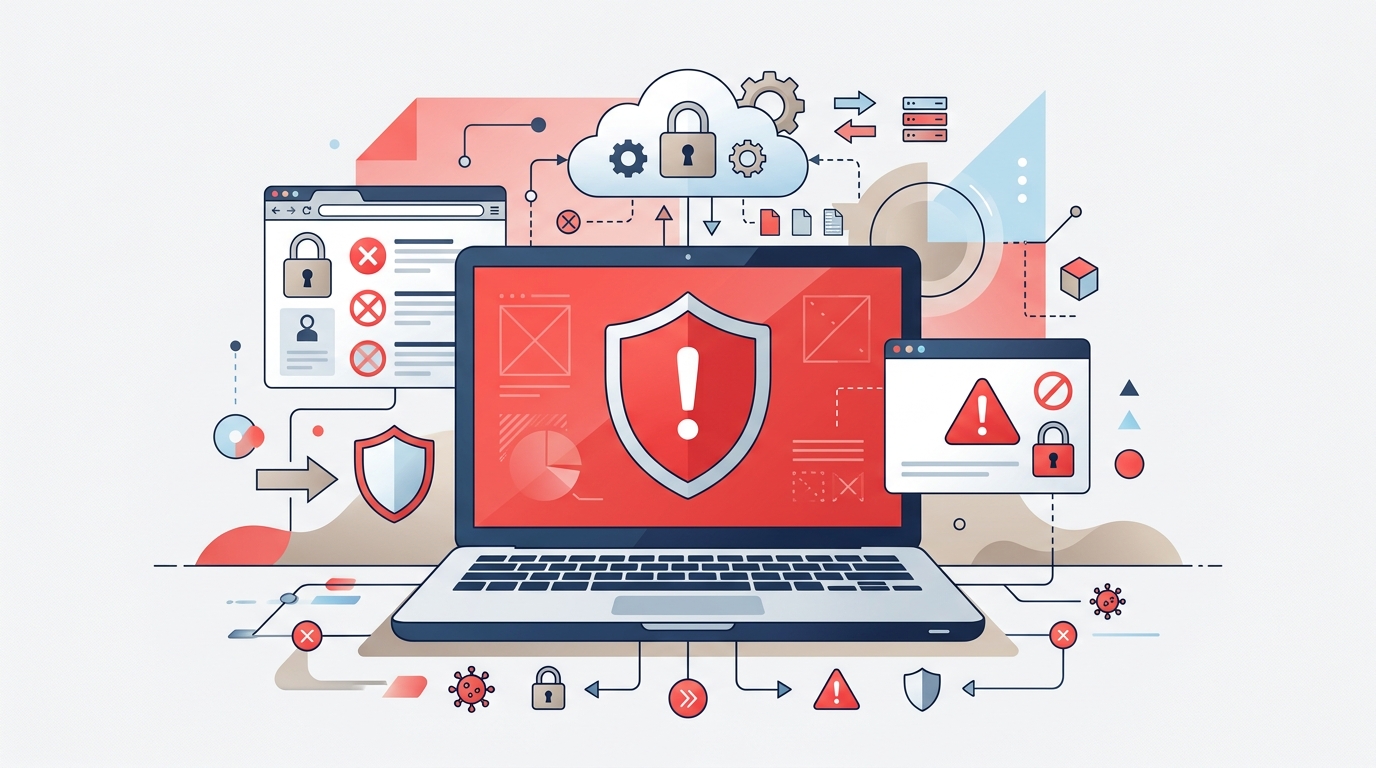
Email client rejects your incoming or outgoing mail server password or shows SSL/TLS security issues.
 10
10
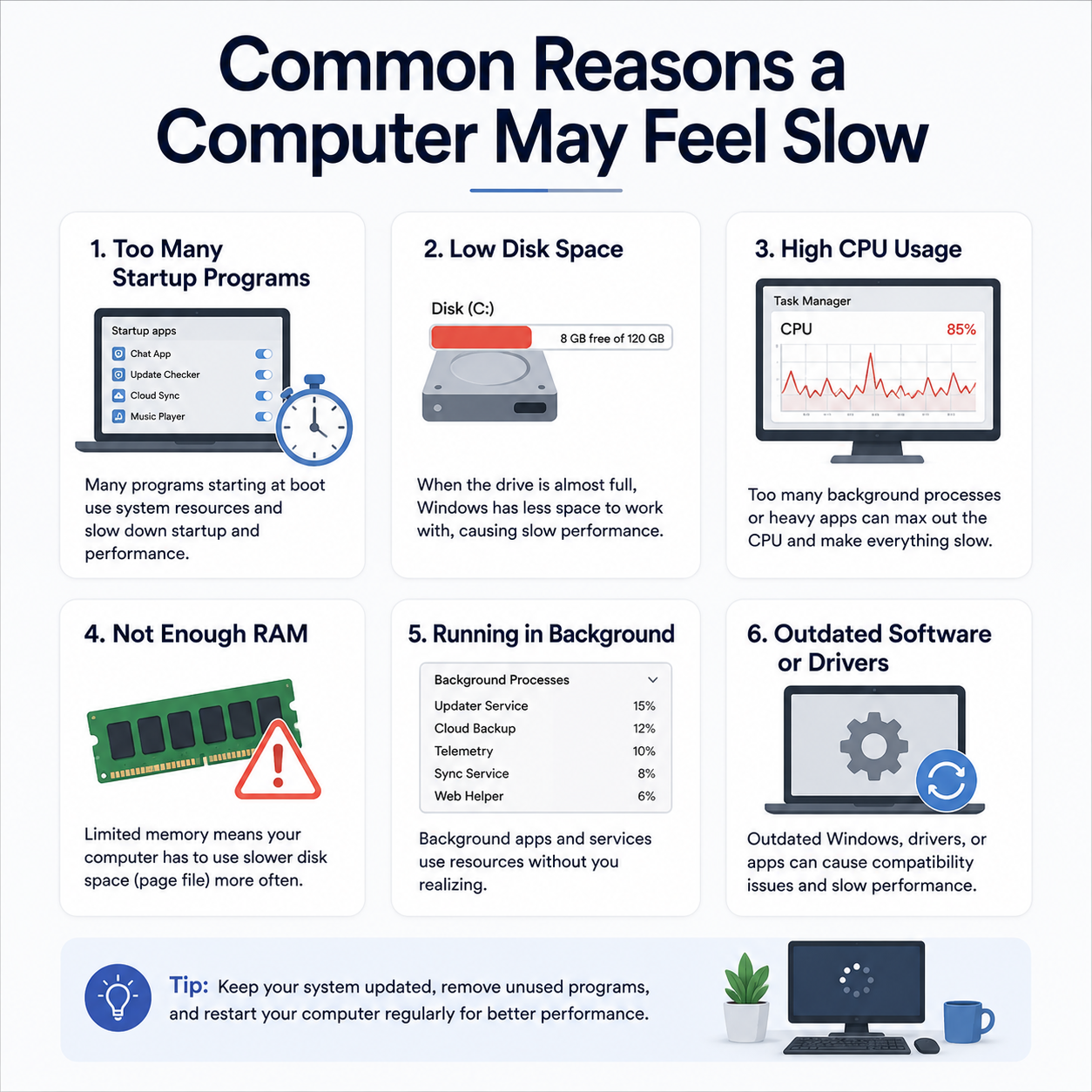
Windows loads very slowly, and the desktop icons or taskbar remain frozen for several minutes after login.
 11
11
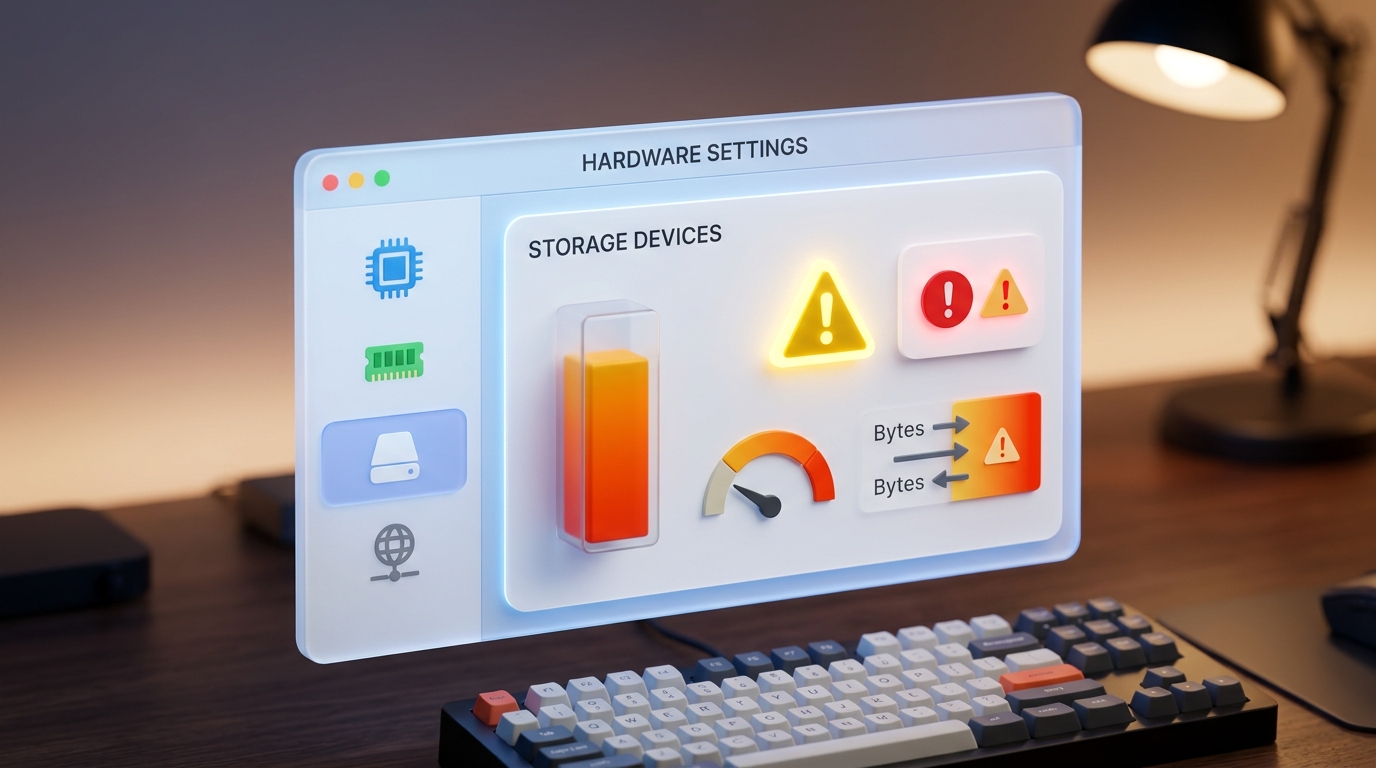
Task Manager reveals 100% CPU or active disk time, causing mouse jitters and laggy application performance.
 12
12
Windows warns of low disk capacity on the C: drive, which prevents temporary cache file creation.
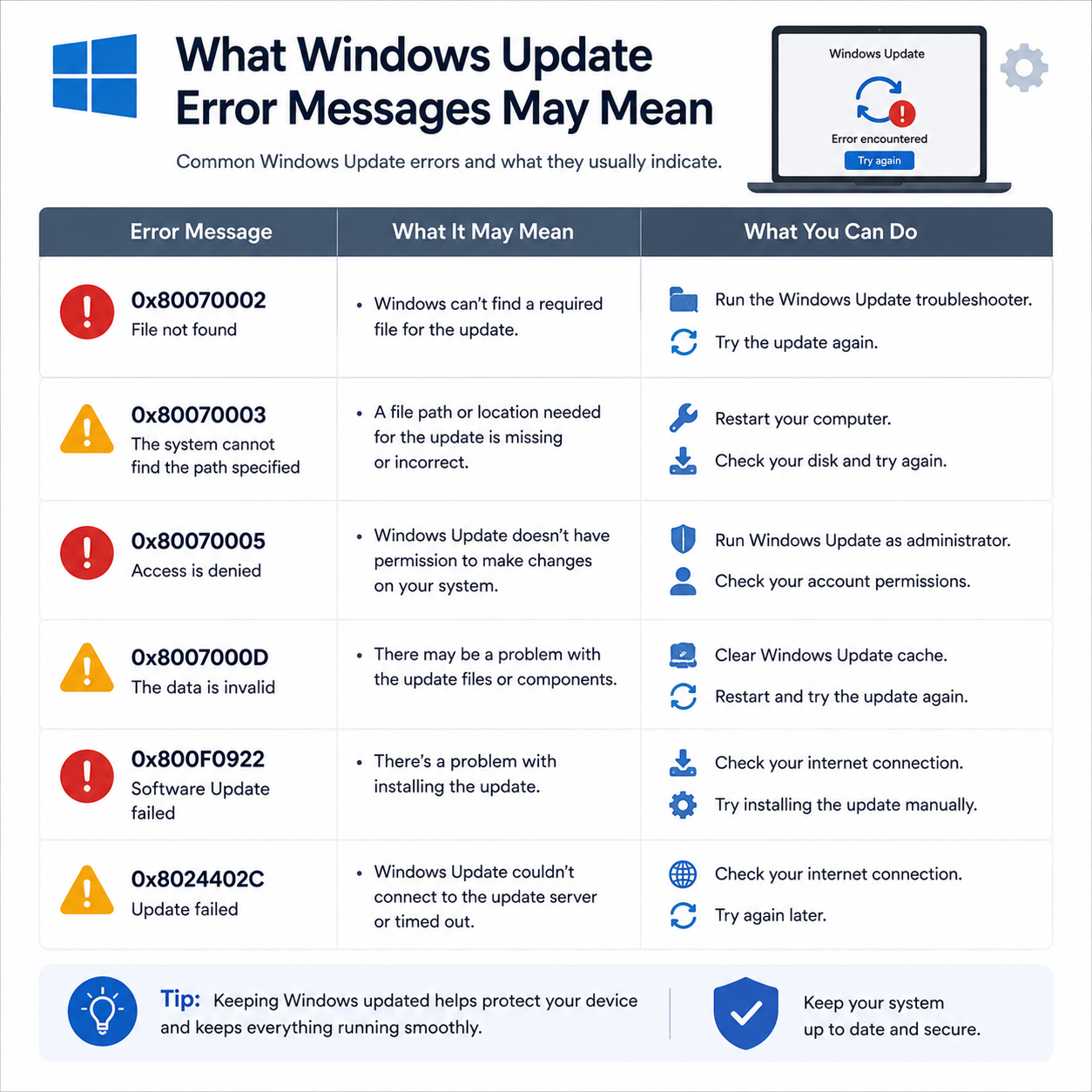 13
13
The progress screen halts for hours, or displays "Undoing changes" after restarting.
 14
14
Update history shows a list of failed installations with numeric error codes instead of success.
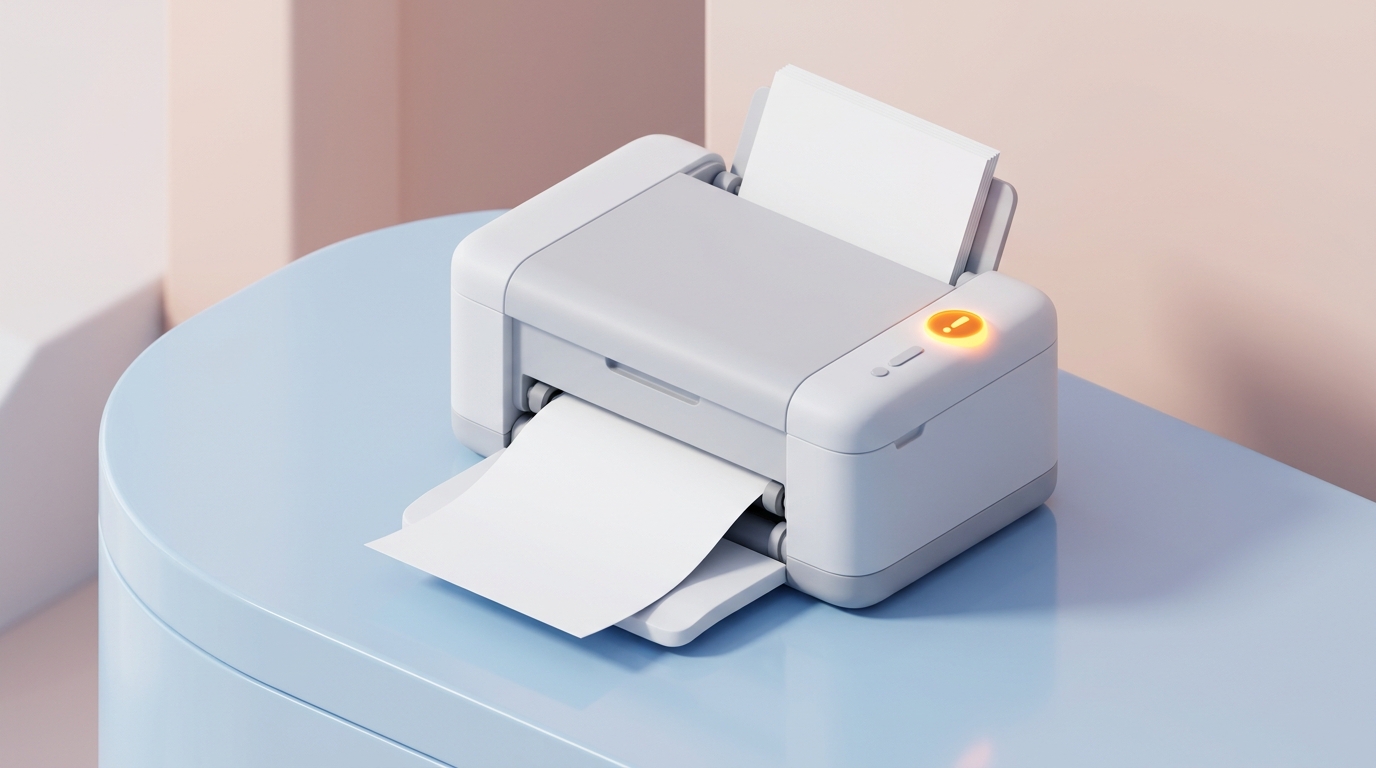 15
15
An automatic system update updates a driver that causes system crashes, loop restarts, or hardware failures.
Try a shorter keyword or choose another topic category.
Guide Mint is an independent educational resource created to explain common device messages, settings, connections and system behaviour in simple language.

Explore printer, Wi-Fi, email, computer performance, driver and Windows topics through structured educational guides designed for everyday users.
Technology can feel difficult when a printer shows an offline message, Wi-Fi connects without internet access, email stops synchronizing or a computer suddenly becomes slow. Our purpose is to explain what these messages and behaviours usually mean, how related settings work together, and what users can learn before reviewing official resources.
Each topic is explained with simple language so readers can understand device behaviour without unnecessary technical complexity.
The library focuses on educational explanations, common terminology, device messages, settings, and everyday technology concepts.
Readers can browse the complete learning library without creating an account, paying a fee, or starting a subscription.
Learn what Guide Mint provides, which topics are covered, how the educational content is structured, and where official reference links are included.
Browse explanations for common printer, Wi-Fi, email, computer and Windows topics.
No callbacks, remote logins, technician dispatch, paid diagnostics or software downloads.
Selected answers include links to trusted manufacturer or platform documentation.
Each answer explains the educational scope of the website.
No. Guide Mint is an independent educational library. We write self-guided learning resources and general device guides. We do not offer phone callbacks, remote logins, software downloads, or technician dispatch.
You can explore beginner-friendly readings about printer setup, Wi-Fi router concepts, email settings, computer performance, and Windows update messages.
Yes. Printer articles explain common concepts such as print queue behavior, spooler services, Wi-Fi connections, and cable or device communication.
Yes. Our Windows articles introduce topics such as pending updates, installation loops, restart schedules, update history, and common error messages.
No. We provide free educational articles only. We do not request callback numbers, offer remote-access tools, or sell paid diagnostic programs.
Explore focused readings about printers, routers, Wi-Fi, email synchronization and common device behaviour through clear, beginner-friendly explanations.
PRN-01
Learn what offline status may mean, how printer queues work, and why connection or default printer settings matter.
NET-02
Learn the fundamentals of routers and wireless networks with easy-to-understand explanations. Explore Wi-Fi names, signal strength, router indicator lights, internet connection status, and default gateway settings.
EML-03
Understand how email synchronization works across computers, phones, and tablets. Learn about inbox updates, account settings, server connections, spam folders, and authentication methods.